

-
-
- Search Engine Optimization
- OTP
- User Interface migration guide
- User account management
- Instructies voor implementatie van visueel editen van nieuwsbrieven
- Login as another user
- Support
- More information about moving to User Interface Version 4.0
- Standaard page layout
- Sections moved to layout
- Aanpassingen in release 2024-7
- Media library
- Aanpassingen in release 2024-10
- Analytics and Matomo
- Registration forms
- How to change names of classes and fields?
- Responsible Disclosure Policy
- How to upload a blob in Velocity?
- Aanpassingen in release 2024-2
- Instances
- Componenten in onze technologie
- Google Analytics
- Street and City helper (postcodecheck)
- Responsible disclosure-beleid
- Postcode check service (straat en huisnummer) kosten
- Expressions
- Regular Expression Reference
Queries: Saving and opening reports
Queries and reports used in your application can be saved for later use. Store your query using the "Save query" button.
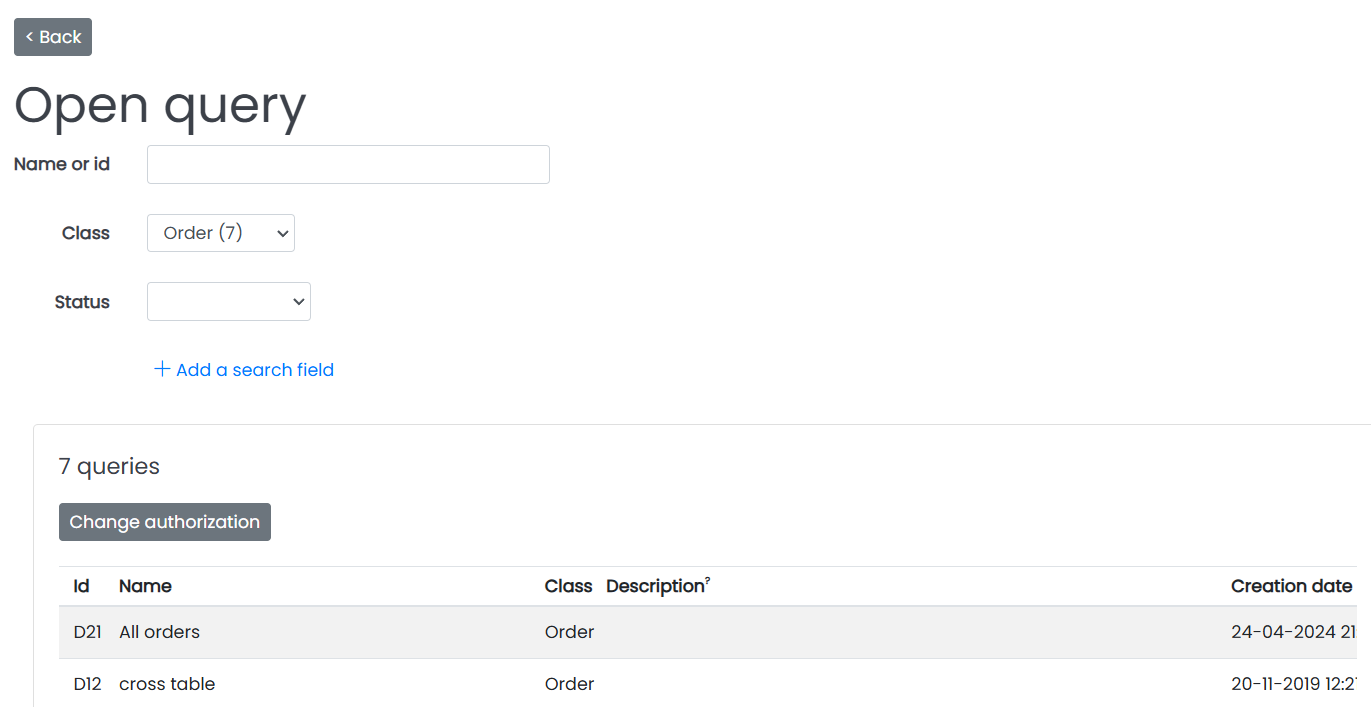
It is also possible to open an existing query with the "Open query" button.
Security considerations
When saving a query, it is possible to indicate the usergroups this query is visible for. When no usergroup is selected, the query is visible to all usergroups. This means the query can be opened by any user through a direct link. To prevent this from happening, always set the usergroup permissions when saving a query.
Note that in the future, setting no user group when saving a query will mean that no usergroup has access to the query.
Opening reports
Queries can be added to menus. Go to the menu item details (click the "Menus" button in the application administration screen, open a menu, click the "View/edit menu items" button), to add an item. You can link this item to any of your saved queries. To learn more about menus, click here.
Queries can also be added to dashboards as the content of a dashboard block. Doing so will show the results of the query every time you open a dashboard. Filter value fields can be set to control filter values of the query for this dashboard. Read more about dashboards here
More on using queries can be found here.
More on which fields are used when searching through your application here.